
Manage Coffee Inventory Workflow for Cafes & Roasteries

Here’s the workflow, in one sentence: run short cycle counts tied to your recipes, set par triggers that flag reorders automatically, and reconcile everything weekly. That’s it. That’s the system. It works whether you’re pulling shots for a corner café or running a full roastery, because it forces two things that most shops skip: linking usage to actual recipes (your bill of materials, or BOM), and rotating stock so nothing hides in the back of a shelf past its useful life (FIFO, first in first out).
You can start this in one shift. Pick a manager, print a count sheet for your top 15 items, and count them at open and close for one week. Track the COGS percentage that results.
- It’s the minimum viable system, not the finished one.
- It catches theft, waste, and pour errors within a week, not a quarter.
- It gives you real numbers before you spend money on software.
Pro Tip: Start with your five highest-cost SKUs, usually beans, milk, and syrups. Full-menu counts can wait until week two.
Key Takeaways
A repeatable coffee inventory workflow combines recipe-based usage tracking, scheduled cycle counts, and weekly reconciliation to control waste and protect margins.
| Point | Details |
|---|---|
| Start with recipes | Confirm your BOMs match actual pours before counting anything. |
| Count on a schedule | Daily spot-checks, weekly cycle counts, and monthly full counts catch issues early. |
| Set data-backed par levels | Use lead time, buffer percentage, and roast loss to calculate reorder triggers accurately. |
| Watch variance closely | Investigate any item exceeding a 3 to 5% variance threshold immediately. |
| Source predictable wholesale stock | The Flaming Bean’s Safe Ground blend offers a standardized wholesale SKU with a built-in mission tie-in. |
Table of Contents
- Why a Repeatable Coffee Inventory Workflow Matters
- Step-by-Step Coffee Inventory Workflow You Can Start This Week
- How to Set Par Levels and Cost Recipes Accurately
- Choosing the Right Coffee Inventory Tool for Your Scale
- How to Reduce Coffee Waste and Spoilage
- Managing Supplier Lead Times and Ordering Cadence
- Assigning Roles and Building SOPs That Stick
- Which Metrics Actually Tell You the System Is Working
- Realistic Timeline and Cost to Build This Workflow
- What One Roastery Manager Learned the Hard Way
- Keep Your Coffee Program Stocked With Predictable Supply
- Sources
Why a Repeatable Coffee Inventory Workflow Matters
Coffee margins are thin enough that a sloppy count process quietly eats profit nobody notices until quarterly numbers land wrong. Every ounce of dialed-in espresso that goes down the drain, every unlogged comp drink, every bag of beans that expires before it’s used, they compound. A shop that never revisits its counting habits ends up guessing at reorder timing, which means either stockouts during a Saturday rush or a walk-in cooler full of cash sitting on shelves.
Menu changes make this worse. New seasonal drinks add pour steps and modifiers that quietly slow down the bar, and those small delays stack up during peak hours if nobody reevaluates the workflow after launch.
A repeatable workflow fixes three things at once:
- Margin protection. You catch variance before it becomes a pattern.
- Waste reduction. FIFO rotation and clear discard rules stop spoilage losses.
- Faster training. New hires learn one consistent counting method, not three conflicting habits.
Step-by-Step Coffee Inventory Workflow You Can Start This Week
A workflow only works if the steps are boring and repeatable. Here’s the order that holds up across café and roastery operations alike.
- Confirm your recipes are current. Before you count anything, check that every drink’s BOM reflects the actual pour, shot size, and syrup pump count baristas are using right now, not what the recipe card said a year ago.
- Assign the counter. One person owns each count. Rotating this among five baristas guarantees five slightly different counting habits and unreliable variance data.
- Gather tools. Scale, clipboard or tablet, and your par-level sheet, all ready before the shift starts, not scrambled together mid-count.
- Run the count. Count at the same time of day, every time, ideally before open or after close when stock is stable.
- Log and compare. Enter counts against expected usage (recipe quantity times drinks sold) and flag anything outside your variance threshold.
- Reconcile weekly. Roll daily and weekly counts into one reconciliation session where the manager signs off.
Documenting each of these steps, and assigning clear ownership, is exactly what worked for the operators profiled in FreshCup’s inventory case studies, where recipe mapping consistently came up as the fastest path to accurate costing.
Here’s how the schedule typically breaks down by frequency:
| Frequency | Task | Typical Time |
|---|---|---|
| Daily | Spot-check high-cost items (milk, beans, syrups) | 5 minutes |
| Weekly | Full cycle count of top 20 SKUs, reconciliation | 30 minutes |
| Monthly | Full inventory count, all SKUs, variance report | 60-90 minutes |
Receiving matters as much as counting. When a delivery arrives:
- Check the packing slip against what’s physically in the boxes before signing anything.
- Weigh or count high-value items (green coffee, specialty milks) rather than trusting the label.
- Log received quantities into your tracking sheet or system the same day, not “when there’s time.”
- Spot-check the invoice against your negotiated pricing every single delivery, not just the first one.
When variance exceeds your threshold (most shops flag anything over 3 to 5%), don’t panic, investigate methodically:
- Recount the flagged item immediately to rule out a counting error.
- Check recent recipe changes or new menu items that might not be mapped correctly yet.
- Review waste logs and comp records for the same period.
- Pull security footage or shift schedules if the pattern repeats across multiple counts.
- Escalate to a full audit only if the variance persists for two consecutive cycles.
This is also where station setup habits matter more than owners expect. Opening checklists, batch-prep timing, and basic equipment maintenance routines all reduce the kind of small, cumulative errors that eventually show up as inventory variance.
How to Set Par Levels and Cost Recipes Accurately
Par levels only work if they’re built on real math, not guesswork. The core formula is simple: usage = recipe quantity × sales volume. If your latte recipe uses 18 grams of beans per drink and you sell 120 lattes a day, that’s 2,160 grams, roughly 4.5 pounds, of beans consumed daily just from lattes.
Now add roast loss. Green coffee loses weight during roasting, typically in the 12 to 20% range depending on roast level, so a roastery ordering green beans has to plan backward from finished-bag weight, not forward from green weight. Roastery inventory platforms exist specifically because many roasters underestimate their true cost per bag by skipping roast loss and packaging costs in their math.
Here’s a sample par-level template you can adapt:
- Lead time drives your buffer percentage. Longer lead times need bigger buffers.
- Roasteries should treat packaging lead time as its own par category since it constrains how much you can bag even if beans are ready. Understanding harvest timing effects on green bean quality also helps forecast when certain origins will run tight.
- Batch planning cadence (roasting twice a week versus daily) directly changes how often you need to reorder green coffee.
Choosing the Right Coffee Inventory Tool for Your Scale
Most shops move through three tiers as they grow, and jumping straight to the most expensive one rarely pays off before you’ve outgrown the simpler tier.
Tier 1: Spreadsheet plus templates. Free or nearly free, works fine under roughly 50 SKUs, but counting and reconciliation are manual and error-prone.
Tier 2: POS-integrated inventory. Tools in this category map sales and modifiers directly to recipe usage, which reduces the gap between recorded pours and actual usage compared to manual entry. Expect mobile counting and basic supplier grouping.
Tier 3: Specialized roastery software. Built for tracking green coffee, roast loss, and packaging alongside retail sales, useful once you’re running wholesale accounts or multiple locations.
Whatever tier you pick, look for: mobile-friendly counts, recipe/BOM mapping, supplier order grouping, an audit trail, and POS sync so sales data feeds inventory automatically instead of requiring double entry.
- Under 50 SKUs, one location: stick with spreadsheets.
- Multiple SKUs, one to three locations, growing variance issues: upgrade to POS-integrated.
- Running a roastery with wholesale accounts: specialized software earns its cost.
Pro Tip: Before committing to a paid tool, run one month on a free trial or spreadsheet template side by side with your current method. Compare variance numbers, not just how the software feels to use.
How to Reduce Coffee Waste and Spoilage
FIFO rotation is the cheapest fix available: label every container with a received date, and always pull from the oldest stock first. Store milk and dairy at consistent, monitored temperatures, and keep bean bags sealed and away from light and heat.
At the shift level, enforce single-dose discipline (portioned syrup pumps, pre-measured shots) and small-batch prep for perishables like cold brew concentrate or milk alternatives.
- Keep a waste log with item, quantity, reason, and shift.
- Review the log weekly, not just when something looks obviously wrong.
- Patterns in the log (same item, same shift, same barista) point to a process fix, not just bad luck.
Managing Supplier Lead Times and Ordering Cadence
Every supplier relationship needs a simple record: lead time, minimum order quantity (MOQ), primary contact, and delivery days. Keep this in the same system as your par-level sheet so reorder triggers account for real-world timing, not wishful thinking.
Ordering cadence depends on shelf life and volume. Perishables like milk usually need weekly orders. Shelf-stable syrups and packaging often work on a monthly cycle. Green coffee for roasteries typically runs on a two-to-four-week cadence depending on roast volume.
- Record lead time and MOQ for every active supplier.
- Set a recurring calendar reminder for each ordering cycle, don’t rely on memory.
- Place safety orders early when a supplier reports delays or seasonal shortages.
- Consolidate smaller orders where possible to hit MOQs and reduce delivery fees.
- Track which suppliers consistently run late so you can adjust buffer percentages accordingly.
- Renegotiate MOQs annually as volume grows, most suppliers will flex once you’re a steady account.
Assigning Roles and Building SOPs That Stick
Clear ownership prevents the finger-pointing that happens when nobody’s sure who counted what.

| Role | Responsibility |
|---|---|
| Shift lead | Runs daily spot-checks and logs waste |
| Assistant manager | Owns weekly cycle counts and reconciliation |
| Manager | Reviews variance reports and signs off on orders |
| Receiving staff | Checks deliveries against invoices and packing slips |
Build your SOP as a simple checklist: how to count (same time, same order every time), how to receive (weigh, verify, log same day), and how to log adjustments (who approves a write-off).
- Run short on-the-job training sessions during slower shifts rather than one long onboarding day.
- Observe counts during a peak-hour rush occasionally to catch shortcuts staff take under pressure, a habit successful shops build into their routine.
Pro Tip: Create a simple feedback channel, even a shared notes app, where baristas can flag counting confusion without waiting for a formal meeting.
Which Metrics Actually Tell You the System Is Working
Four numbers matter more than the rest. COGS % (cost of goods sold divided by revenue) tells you if pricing and portioning are aligned. Variance % (counted stock versus expected usage) flags theft, waste, or recipe drift. Stock turns (how often inventory cycles through in a period) shows if you’re overbuying. Days on hand (inventory divided by daily usage) tells you how much cash is sitting on shelves.
- Variance above 5% on any major item should trigger the investigation checklist covered earlier.
- Healthy coffee shop COGS typically falls within a moderate range, though this varies by menu mix.
- Roasteries should track yield loss separately since roast loss percentage directly affects true cost per bag.
Realistic Timeline and Cost to Build This Workflow
Week one: pick your counter, print sheets, count top SKUs daily. Day 30: full reconciliation cycle running weekly, variance data starting to show patterns. Day 60: par levels adjusted based on real usage data. Day 90: waste log and supplier records fully populated, ready to evaluate a tool upgrade.
- DIY with spreadsheets: mostly time cost, a few hours weekly, minimal cash outlay.
- POS-integrated upgrades: often bundled into existing POS subscription tiers or a modest add-on fee.
- Specialized roastery software: subscription pricing that scales with SKU count and locations.
Expect two to four hours weekly once the system is running. Most shops recover that time within the first month through reduced waste and tighter ordering.
What One Roastery Manager Learned the Hard Way
A roastery manager once told me their biggest wake-up call wasn’t a stockout, it was discovering three weeks of unlogged roast loss had quietly inflated their real COGS by several points nobody had noticed. The fix wasn’t complicated: they started logging green weight against finished bag weight every single roast.
Try the one-week starter plan this week. Pick your top five items, count them daily, and see what the numbers tell you that your gut didn’t.
Keep Your Coffee Program Stocked With Predictable Supply
Once your counting and reorder triggers are dialed in, the next variable is supply reliability, and that’s where a consistent wholesale partner matters. The Flaming Bean offers wholesale and subscription programs built for shops that need predictable delivery windows instead of scrambling supplier by supplier.
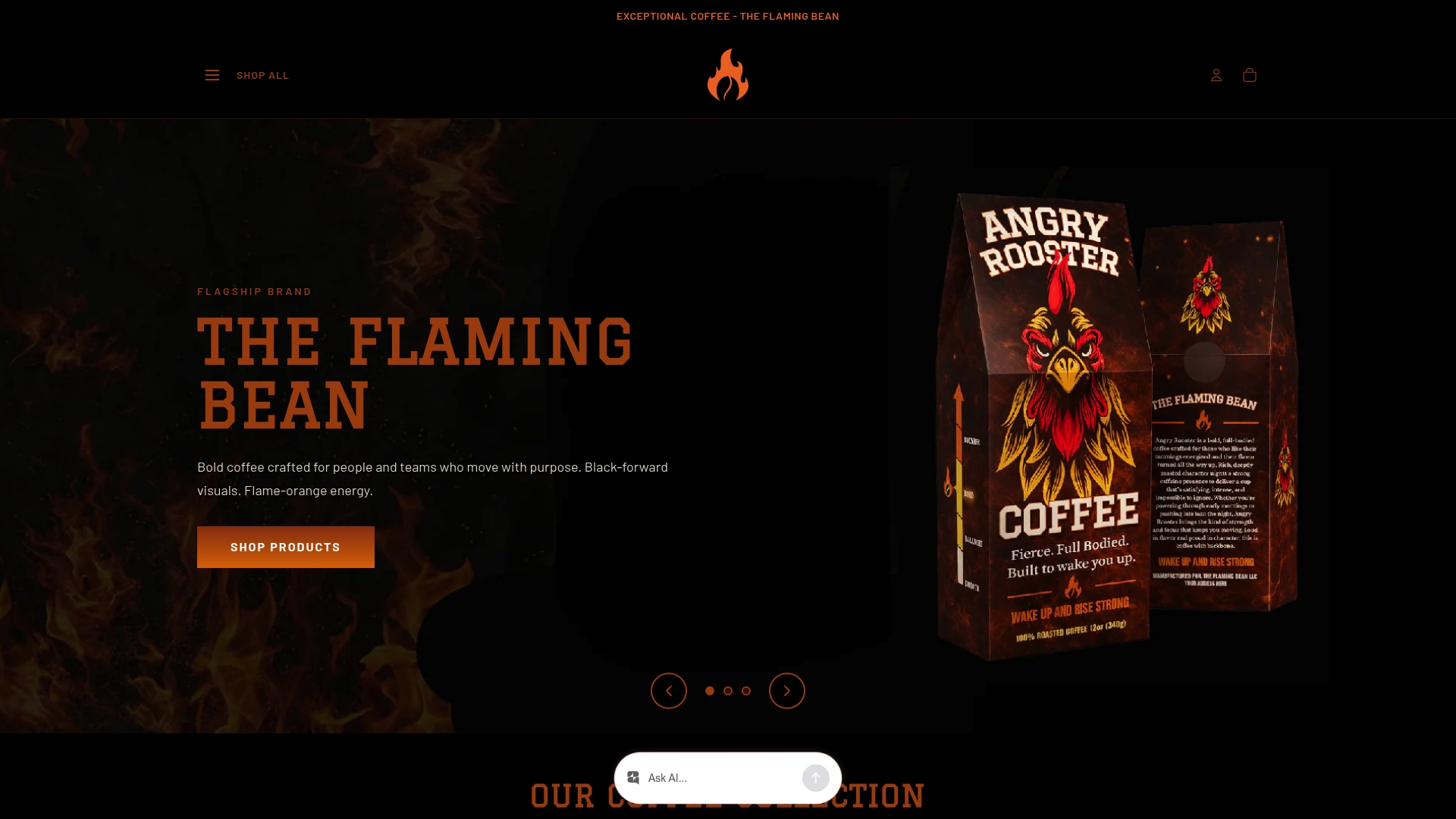
If you’re looking to simplify your SKU list, Safe Ground works well as a standardized wholesale blend, one that also supports anti-trafficking organizations with a portion of proceeds, so your reorder cadence does double duty. Request a sample or check current wholesale bundles to see if it fits your par-level plan.
Sources
- Why coffee shops should reevaluate their workflow - Perfect Daily Grind
- How Three Coffee Shops Tackle Inventory Management - FreshCup
- Essential barista workflow optimization techniques - Barista Life
For par-level templates and subscription planning tools, browse The Flaming Bean’s guide to coffee subscription services.
Comments